Quick Start
The purpose of this section is to help you get started quickly with Milk-V Titan.
Product Overview
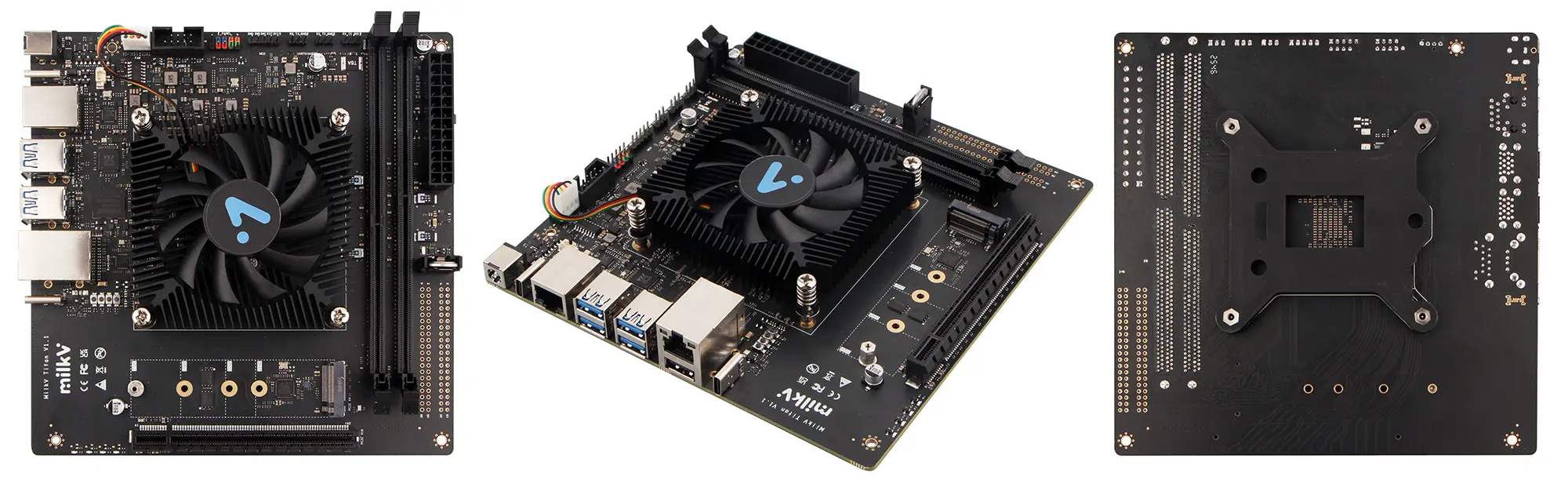
Preparation
Necessary
-
Titan Motherboard
-
DDR4 memory: One or two DDR4 UDIMM modules are supported. For dual-module configurations, using two modules with matching specifications is recommended for best compatibility. Please refer to this link for specific specifications: DDR4 Support List
-
Boot Media: NVMe SSD (used for system installation and booting)
-
Power Supply: The Titan supports both ATX (24-pin) and DC (5525) power supply methods.
The power consumption of a Titan motherboard depends on the power and number of connected peripherals, requiring the selection of an appropriate power supply method based on specific circumstances. The following power consumption figures are for reference only, based on idle and CPU stress testing conditions under normal system operation. If you have connected other peripherals, such as an external graphics card, you also need to consider the graphics card's power consumption.
- DDR4 64GB(32GB*2) + M.2 NVMe SSD(128G), Idle power ~14W (12V/1.2A)
- DDR4 64GB(32GB*2) + M.2 NVMe SSD(128G), Full load power ~30W (12V/2.5A)
The Titan motherboard itself does not have HDMI or other display interfaces, so in scenarios without display output requirements, such as server use, a graphics card and monitor are not required. The device supports login and management via USB debug serial port or SSH network protocol.
Optional
- Graphics Card: The Titan motherboard has one onboard PCIe Gen4 x16 slot. When using a desktop system, a graphics card can be connected to a monitor. The graphics cards we have verified are listed below for reference only:
- RX 9070 XT
- RX 580
- RX 550
- R5 230
- Display: When using a graphics card, select the appropriate HDMI/DP cable and monitor based on the graphics card interface.
- Input Devices: Keyboard and mouse (for GUI operation)
- Debugging Tool: Type-C data cable (for serial port login or debugging)
- Case: The Titan motherboard is compliant with the Mini-ITX specification, and you can choose a computer case that is compatible with Mini-ITX motherboards.


